Learn Anytime, Anywhere: Why Mobile-First Learning Is the Future for Small-Town Students
For many students in Tier-2 and Tier-3 towns, a smartphone is the only device they have. Here's why learning platforms need to be built mobile-first, not desktop-first.
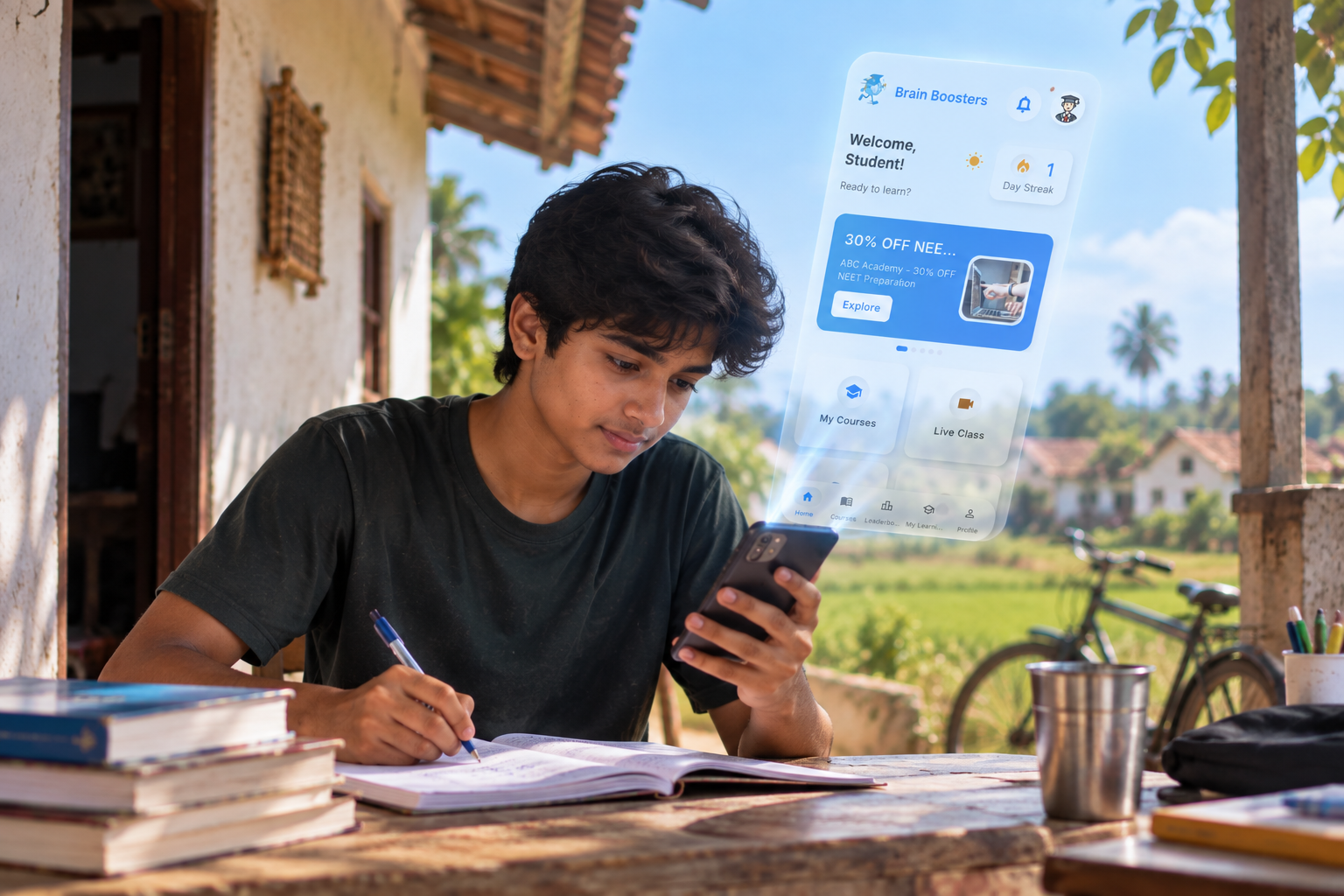
Quick Answer: For a large number of students outside metro cities, a smartphone is their only reliable device - no laptop, no desktop. That makes mobile-first design a matter of access, not convenience: platforms that only work well on desktop quietly exclude the students who need them most.
The Access Gap No One Talks About
Most ed-tech platforms are still designed for a desktop-first world - a world where students have a personal laptop, stable broadband, and a quiet study room. For a large share of students in smaller towns, that description doesn't match reality.
A shared family smartphone with limited data is often the only consistent access point. If a learning platform isn't built for that reality, it isn't actually reaching the students it claims to serve.
What Mobile-First Learning Actually Means
It's not just "a website that also works on mobile." It means lessons designed to be watched in short sessions, live sessions that work smoothly on 4G instead of requiring heavy bandwidth, and an interface built for a small screen from the start - not squeezed into one.
It also means being able to pick up exactly where you left off, whether that's between classes, during a commute, or at night after helping with household work.
Why This Matters More in Smaller Towns
In Tier-2 and Tier-3 towns, the difference between a student who levels up and one who doesn't often isn't ability - it's access to consistent, structured learning. A mobile-first platform removes the barrier of needing a laptop, a cyber café, or a fixed study schedule.
It puts skill development in the same place students already spend most of their time: their phone.
What to Look for in a Learning App
Does it work smoothly on an average Android phone, not just flagship devices? Can you download sessions or notes for low-connectivity areas? Does it connect you to real mentors and coaching centers, not just pre-recorded content with no feedback?
These questions matter more than flashy features -
because the best learning app is the one you can actually use consistently, on
the device you already own.
Can I learn job-ready skills using only a smartphone?
Is mobile learning as effective as desktop learning?
What should small-town students check before choosing a learning app?